
Community
Public creations
AI Image to Image Generator
Transform and restyle any image with AI. Upload your photo and describe how you want it changed—new art styles, color schemes, modifications, or creative remixes. Keep the composition while completely changing the look.
Reimagine Any Image with AI Style Transfer
Upload any image and transform it into different artistic styles. From anime aesthetics to oil paintings, watercolors to digital art—explore endless creative possibilities while preserving the essence of your original.
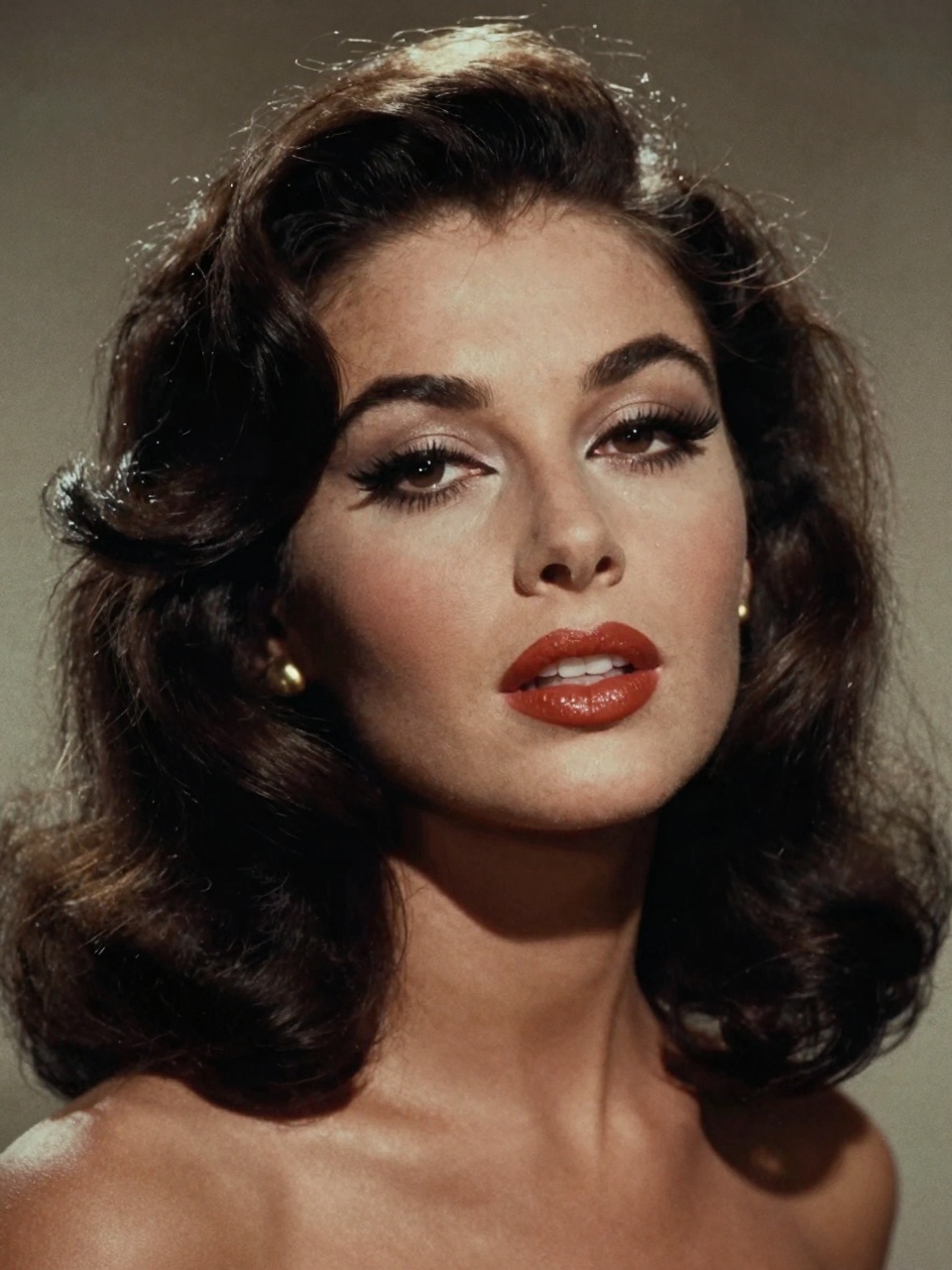
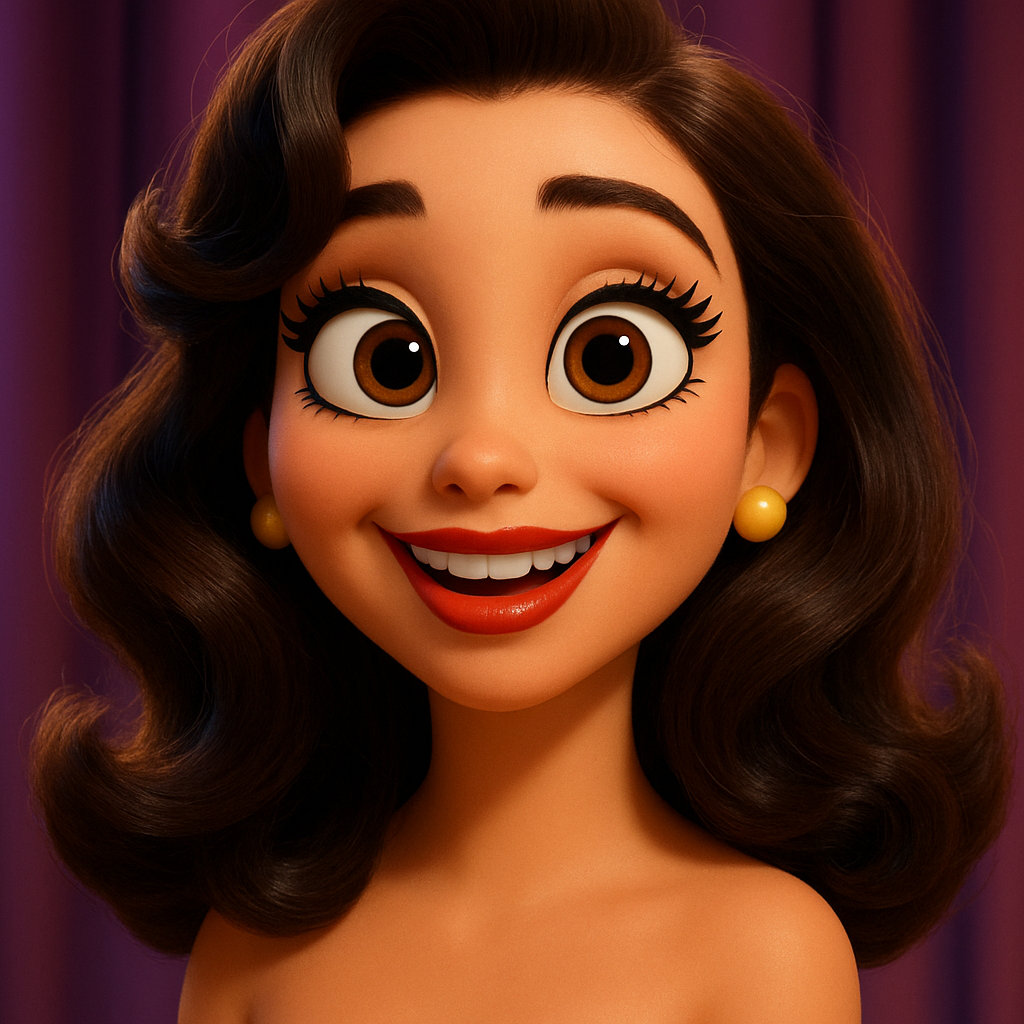
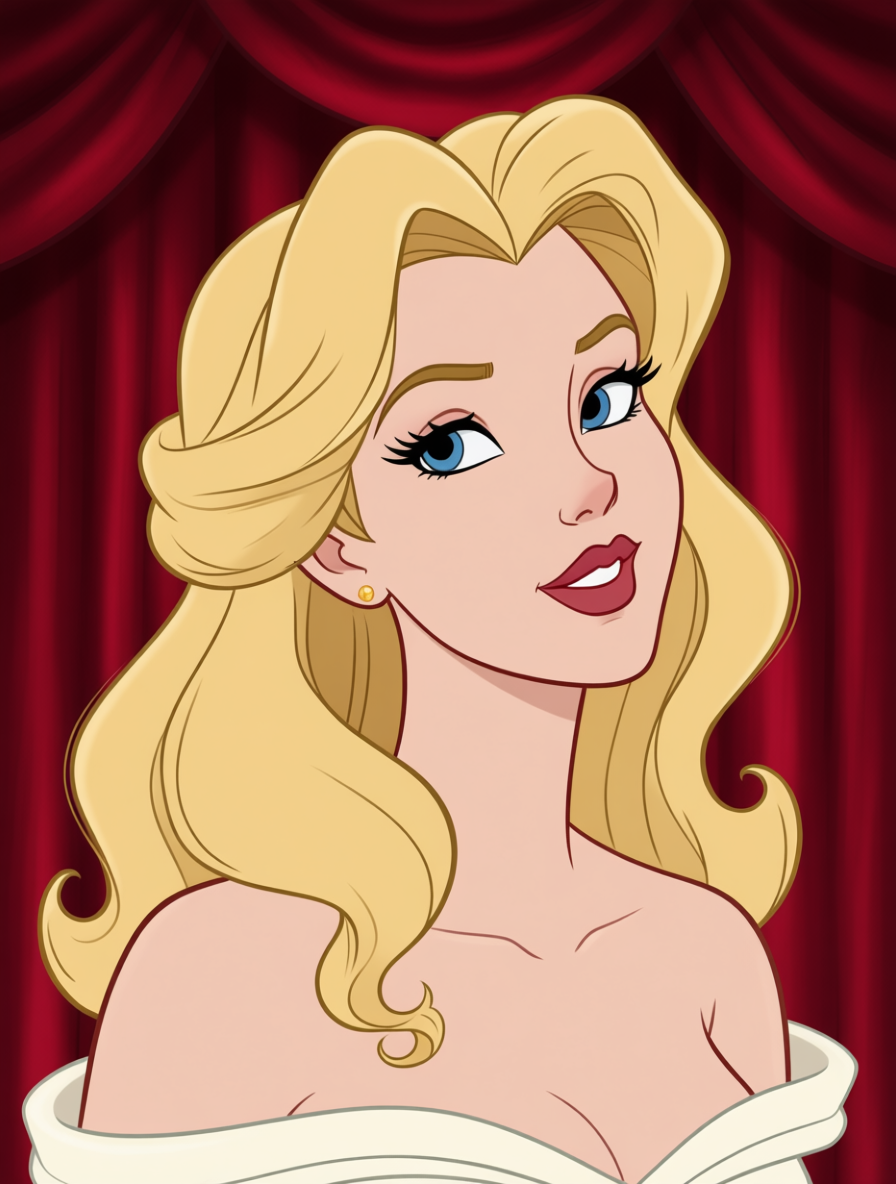
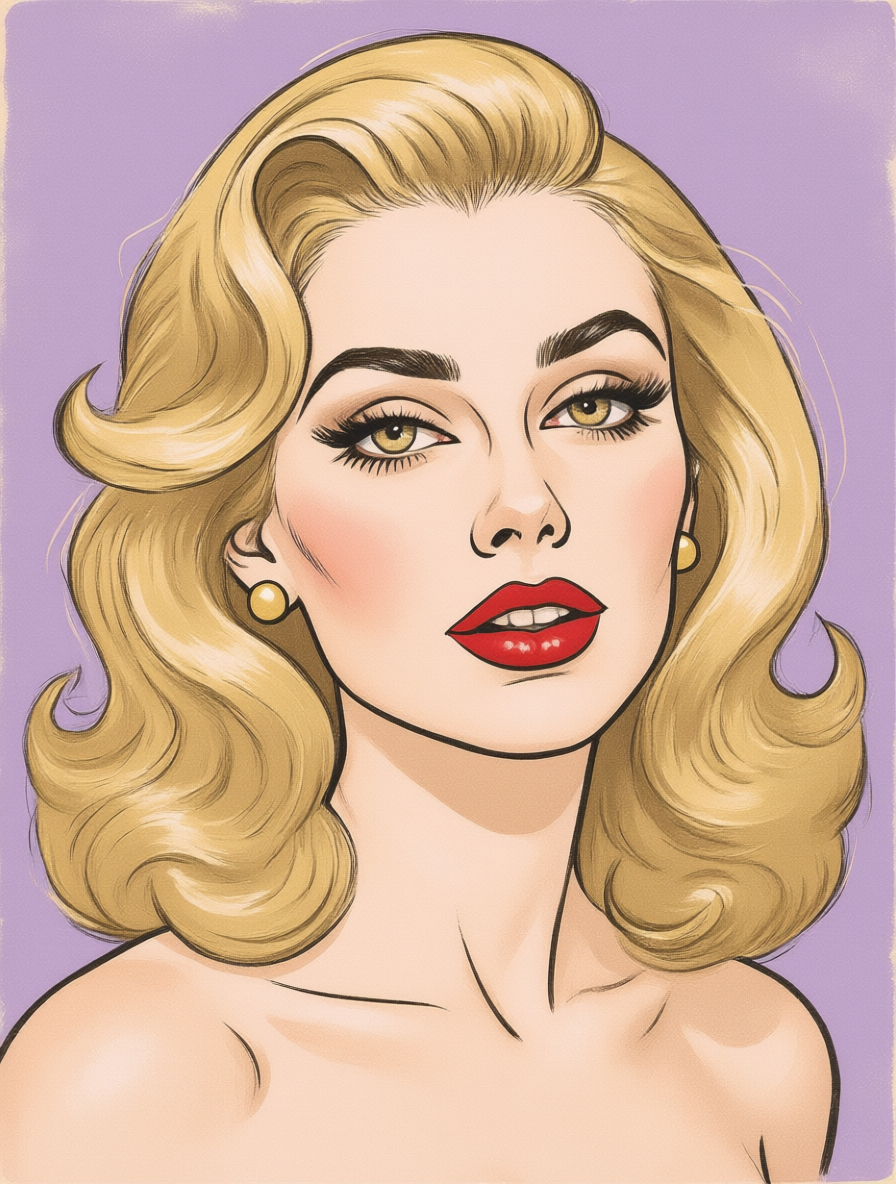
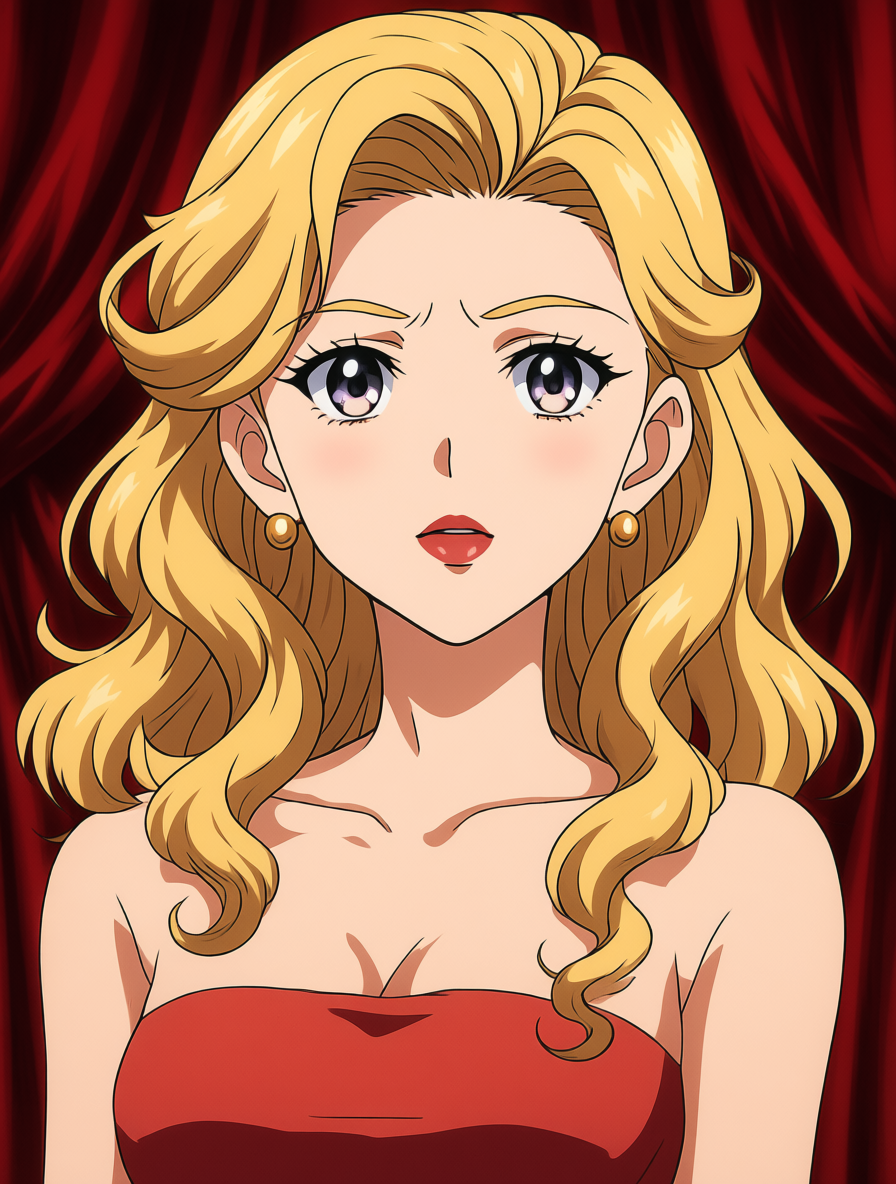
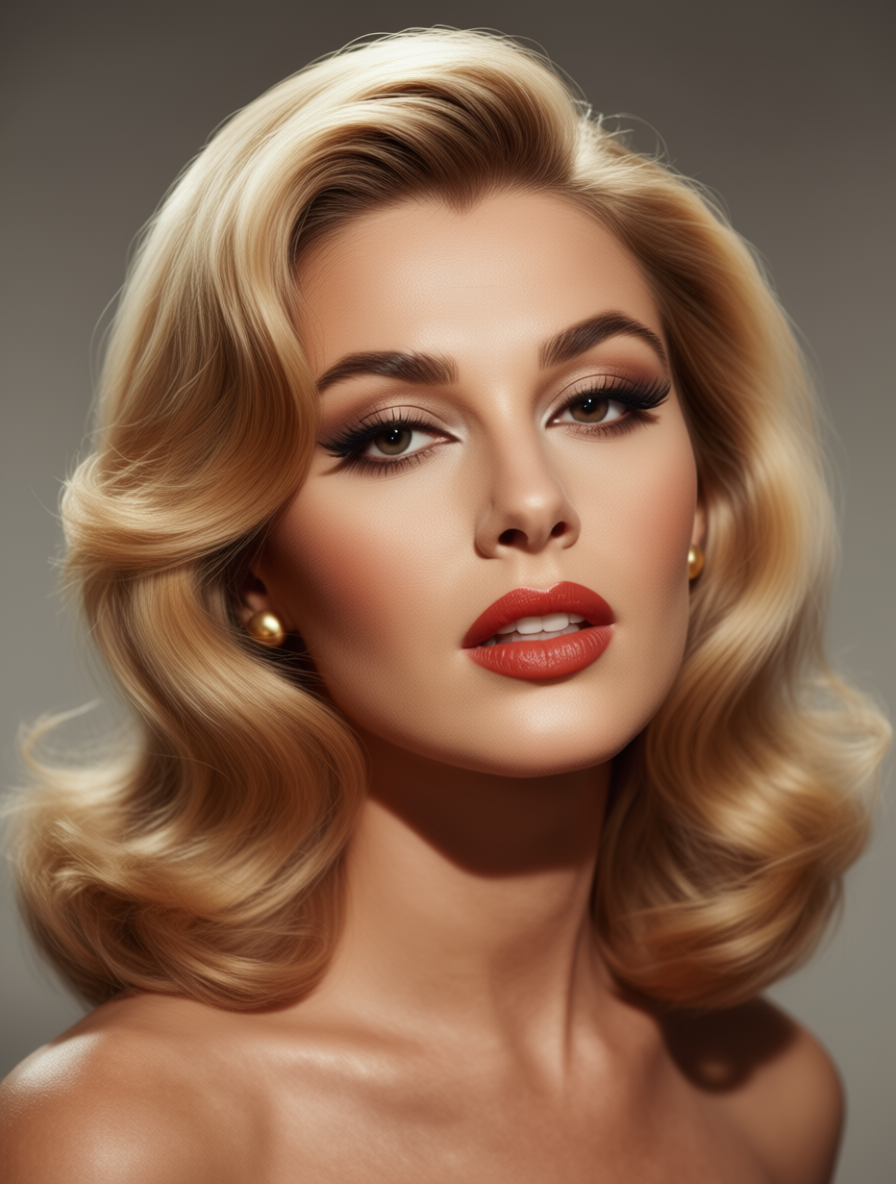
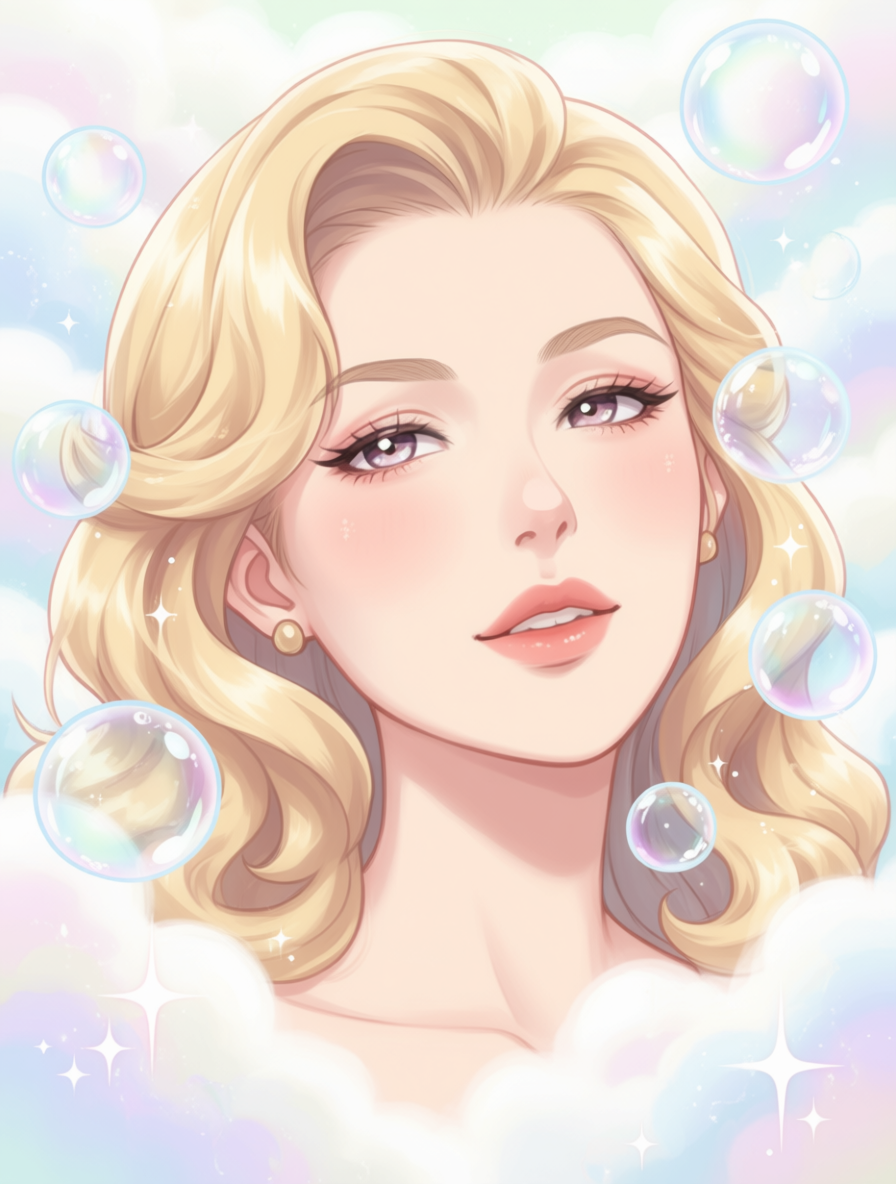
Describe the Transformation You Want
Use natural language to guide your image transformation. Tell the AI exactly how you want your image modified—change colors, add elements, alter the mood, or completely reimagine the scene.
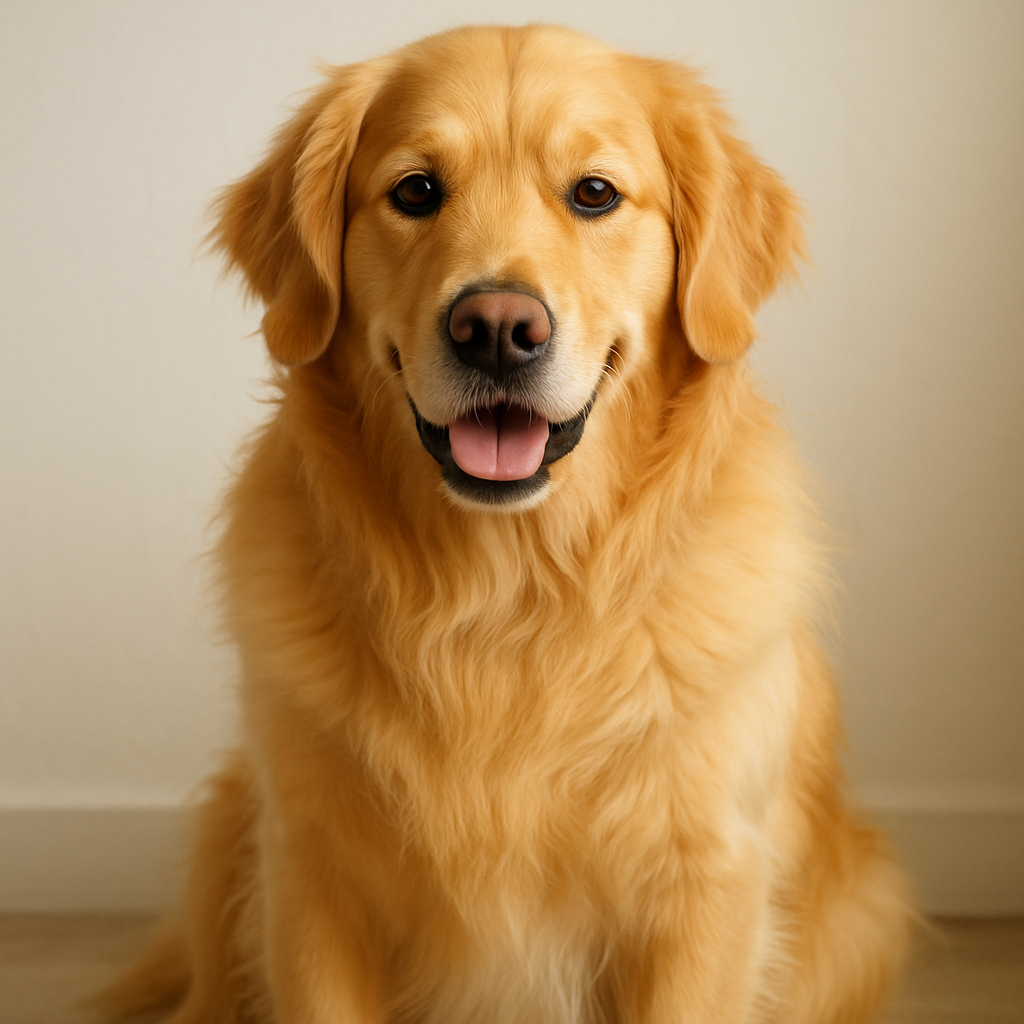
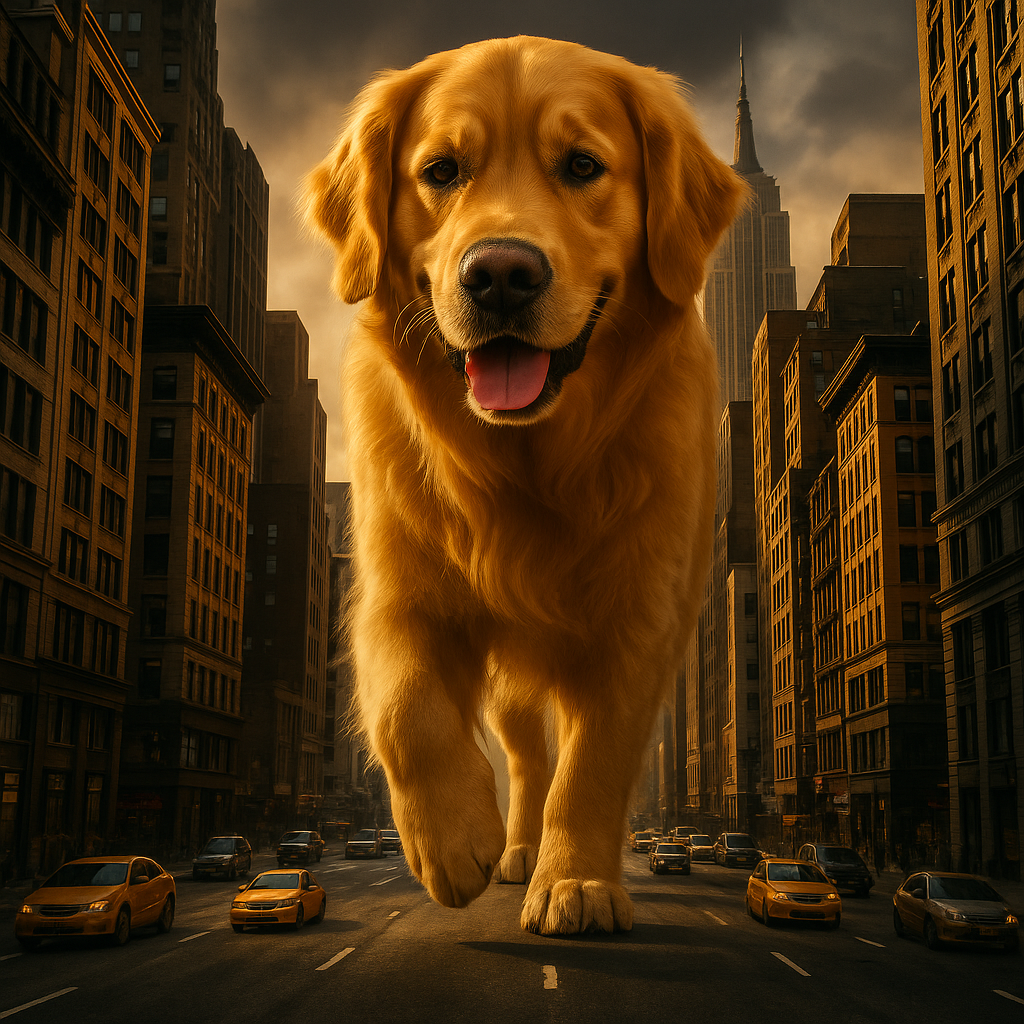
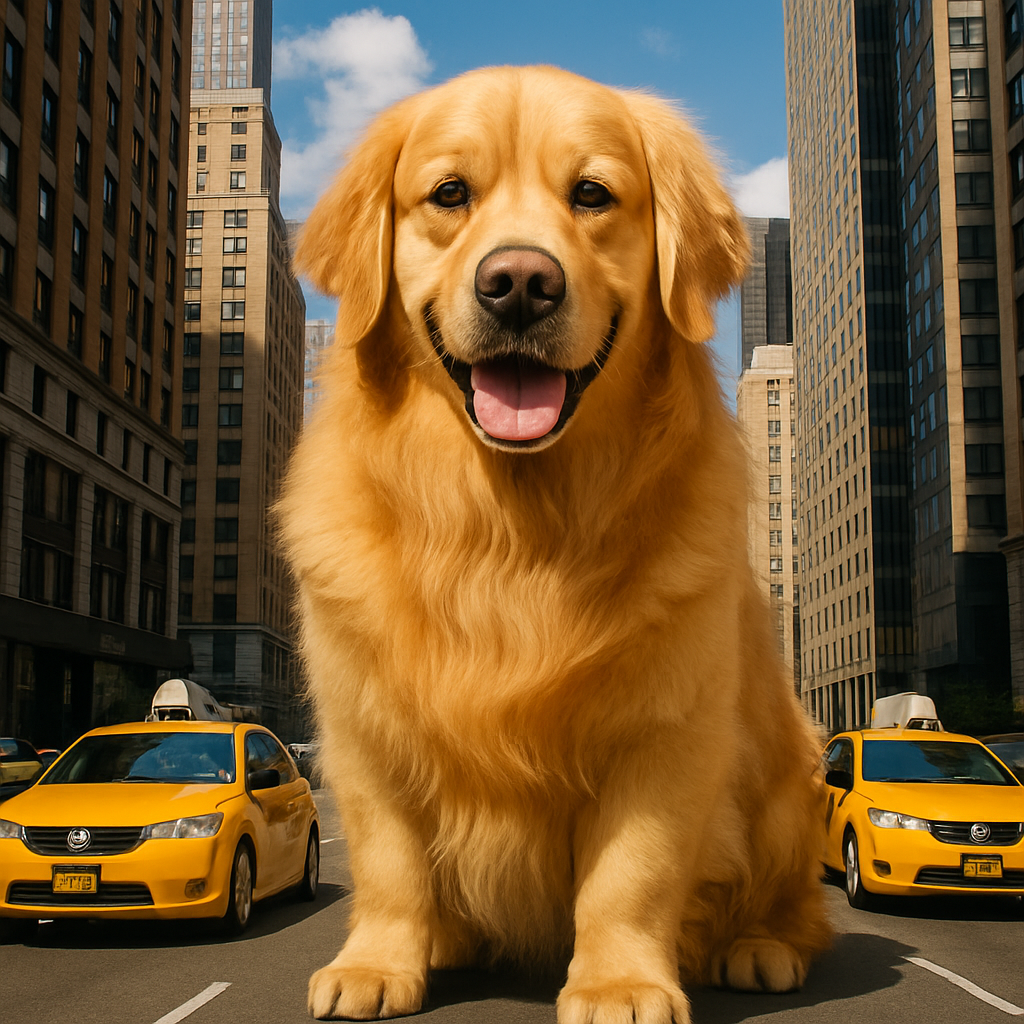
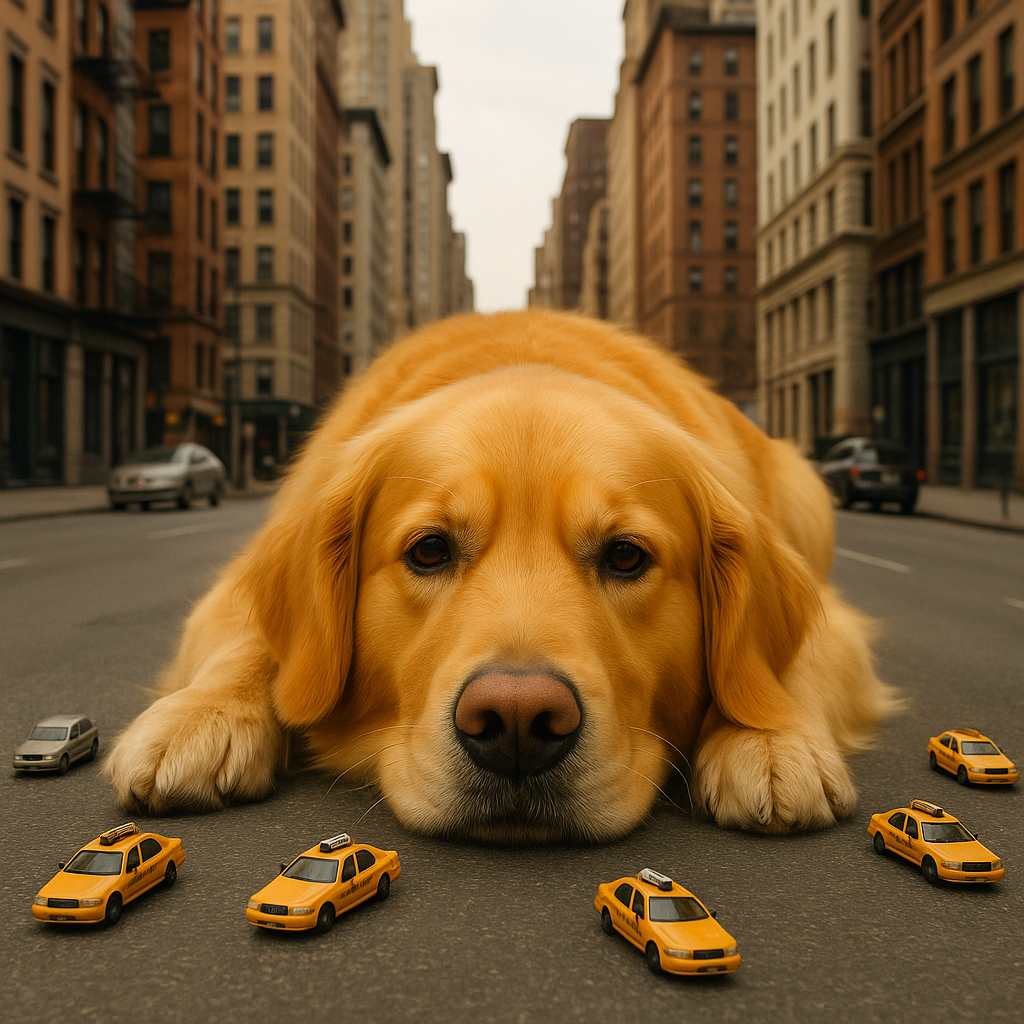
A giant dog on a city road, the cars on the road are like its toys.

Powered by Industry-Leading AI Models
Access multiple state-of-the-art AI models in one place. Try them seamlessly and create stunning visuals without juggling multiple platforms.
Key Features
Style Transfer
Transform photos into paintings, sketches, anime, or any art style. Keep the composition while completely changing the aesthetic.
Guided Modifications
Use prompts to guide specific changes—alter colors, add elements, change backgrounds, or modify details while preserving the original structure.
High Fidelity Output
Generate transformed images that maintain the quality and detail of your original, just with a completely new look.
Any Source Image
Works with photos, illustrations, screenshots, AI-generated images, or any visual. The AI adapts to your input.
Rapid Iteration
Generate multiple variations quickly. Explore different styles and modifications to find your perfect result.
Preserve What Matters
The AI understands your image structure—faces stay recognizable, objects maintain their positions, layouts remain consistent.
Who Can Benefit From This Tool?
Explore Visual Directions
Quickly mock up different visual treatments for client presentations. Show the same concept in multiple styles without recreating from scratch.
How It Works
Upload your source image—any photo, illustration, or graphic you want to transform.
Write a prompt describing the transformation: new style, modifications, or creative direction.
Generate and download your transformed image. Try different prompts for varied results.
Explore More AI Tools
Ready to Create Amazing Content?
Join thousands of creators using our AI tools to bring their ideas to life.
Frequently Asked Questions
Image to image AI takes your uploaded image as a reference and generates a new version based on your prompt. It preserves the composition, layout, and key elements while applying transformations you describe—like changing the art style, modifying details, or completely reimagining the visual.
Text to image creates from scratch based only on your words. Image to image uses your uploaded image as a structural guide, so the output maintains similar composition and elements. It's ideal when you have an existing image you want to transform rather than create something entirely new.
Almost anything: convert photos to paintings/drawings/anime, change color palettes, add or modify elements, change seasons/weather/time of day, apply artistic filters, reimagine in different styles, age/de-age subjects, and much more. The limit is your imagination.
Yes, the AI typically preserves recognizable features when transforming portraits. For best results, use clear, well-lit photos and specify in your prompt that you want to maintain likeness while changing style.
Upload JPG, PNG, or WebP images. Higher resolution images generally produce better results. The AI will process your image and output in standard formats.
Your prompt controls the transformation. More specific prompts ("oil painting style with visible brushstrokes") create stronger changes than vague ones. Some models offer strength controls that determine how much the AI deviates from your original.
You should only upload images you own or have rights to transform. Be mindful of copyright when uploading reference images, especially for commercial use of the outputs.
Try being more specific in your prompt about what to preserve ("maintain the face likeness" or "keep the product clearly visible"). You can also try different models or adjust your source image for better results.