AI Image Face Swap

Community
Public creations
AI Image Face Swap - Swap Faces in Photos
Swap faces in photos with AI-powered precision. Replace faces in images seamlessly while preserving lighting, skin tones, and natural appearance. Perfect for creative projects, character concepts, marketing mockups, and fun experimentation.

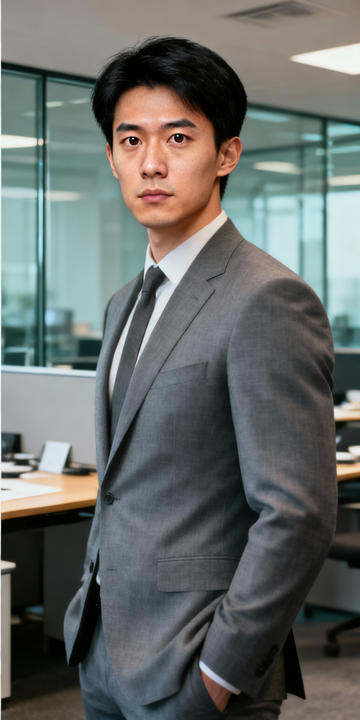
Key Features
Seamless Face Blending
Our AI matches skin tones, lighting, and facial structure for natural-looking swaps that blend seamlessly with the original image.
High-Quality Output
Get professional-grade results with preserved image quality. Details like hair, background, and clothing remain untouched.
Fast Processing
Generate face swaps in seconds. Quick iteration lets you try multiple faces and find the perfect match.
Any Face Source
Works with photos, headshots, illustrations, or AI-generated portraits. Swap any clear frontal face onto any target image.
Lighting Adaptation
The AI automatically adjusts the swapped face to match the lighting conditions of the target image.
Expression Preservation
Maintain the expression and emotion from your target face while fitting it naturally into the base image.
Who Can Benefit From This Tool?
Campaign Mockups
Create diverse marketing visuals by swapping model faces. Test different demographics and representations quickly.
How It Works
Upload your base image—the photo where you want to replace the face.
Upload your target face image—a clear, front-facing photo of the face you want to use.
Generate and download your face-swapped image. The AI blends the new face naturally into the scene.
Explore More AI Tools
Ready to Create Amazing Content?
Join thousands of creators using our AI tools to bring their ideas to life.
Frequently Asked Questions
AI face swapping uses deep learning to detect faces in images and replace one face with another while preserving natural appearance. The AI handles complex tasks like matching skin tone, lighting, and perspective automatically.
Clear, front-facing photos with good lighting work best for both base and target images. Avoid extreme angles, heavy shadows, or obscured faces. Higher resolution images produce better results.
Our AI is designed to create natural-looking swaps by matching skin tones, lighting conditions, and facial proportions. Results are best when source and target faces have similar angles and lighting.
Yes, but results may vary. The most natural swaps occur between faces with similar basic structures. Dramatic differences may be noticeable.
We support JPG, PNG, WebP, and BMP formats up to 30MB. Higher quality images generally produce better results.
The tool processes one face per request. For images with multiple faces, run separate swaps targeting each face.
Face swapping is a creative tool. Always use it responsibly—get consent when using others' likenesses, don't create deceptive content, and follow platform guidelines and local laws.
Yes, for legitimate creative and commercial use. Ensure you have rights to all images used and that usage complies with applicable laws regarding likeness rights.