
Community
Public creations
See Image to 3D in Action
Upload a photo, get a detailed 3D model
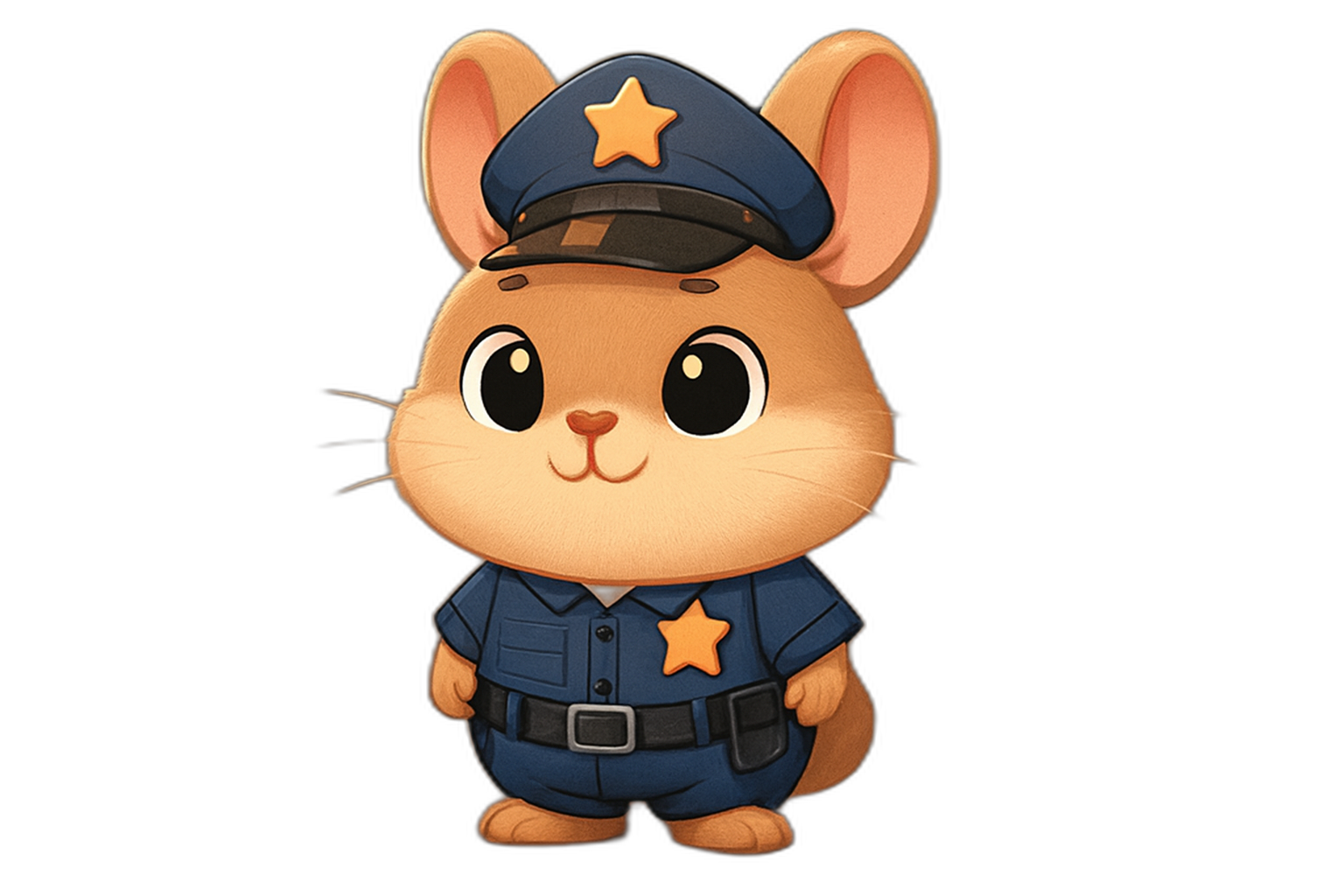
AI Image to 3D Generator
Transform your images into high-quality 3D models with AI. Upload a single photo or multiple views for enhanced reconstruction. Perfect for product visualization, game assets, AR/VR content, and digital twins.
Powered by Industry-Leading AI Models
Access multiple state-of-the-art AI models in one place. Try them seamlessly and create stunning visuals without juggling multiple platforms.
Key Features
Single Image to 3D
Upload just one image and get a complete 3D model with detailed textures and accurate geometry reconstruction.
Multi-View Enhancement
Provide multiple angles (front, back, left, right) for the highest quality 3D reconstruction with perfect accuracy.
Fast Processing
Generate 3D models from images in minutes. Our optimized pipeline handles complex reconstructions efficiently.
PBR Materials
Get physically-based rendering materials for realistic lighting and reflections in any 3D environment.
Who Can Benefit From This Tool?
Product 3D Visualization
Turn product photos into interactive 3D models for online stores. Let customers view products from every angle.
How It Works
Upload your image—clear, well-lit photos with a single subject work best. Higher resolution produces better results.
For maximum quality, add additional views (back, left, right). Select your model and output preferences.
Generate and download your 3D model in GLB format, ready for any 3D application or platform.
Explore More AI Tools
Ready to Create Amazing Content?
Join thousands of creators using our AI tools to bring their ideas to life.
Frequently Asked Questions
Image to 3D AI uses computer vision and deep learning to analyze 2D images and reconstruct full 3D models. The AI understands depth, shape, and surface details from your photos to create accurate 3D geometry with textures.
Clear, well-lit photos with a single subject against a clean background work best. Product photos, isolated objects, and images without excessive clutter produce the most accurate 3D reconstructions.
No, a single image works for most objects. However, providing multiple views (front, back, left, right) significantly improves accuracy and captures details that aren't visible from one angle.
Yes, portraits and full-body photos can be converted to 3D models. Results work best with clear, front-facing images where the subject is fully visible.
Models are exported in GLB (glTF Binary) format with embedded textures and materials. This format is supported by Unity, Unreal Engine, Blender, Three.js, and most 3D applications.
Accuracy depends on image quality and the complexity of the subject. Simple objects with clear shapes produce highly accurate models. Multi-view input significantly improves reconstruction accuracy for complex subjects.