
ชุมชน
Public creations
สร้างรูปภาพจากข้อความด้วย AI
สร้างภาพที่สวยงามจากคำอธิบายข้อความด้วยเครื่องมือสร้างรูปภาพ AI สร้างรูปภาพสมจริง ศิลปะดิจิทัล ภาพประกอบ และงานออกแบบแนวคิดในไม่กี่วินาที
From Text to Stunning Visuals in Seconds
Simply describe what you imagine and watch it come to life. Our AI understands your creative vision and generates high-quality images with remarkable accuracy and detail.
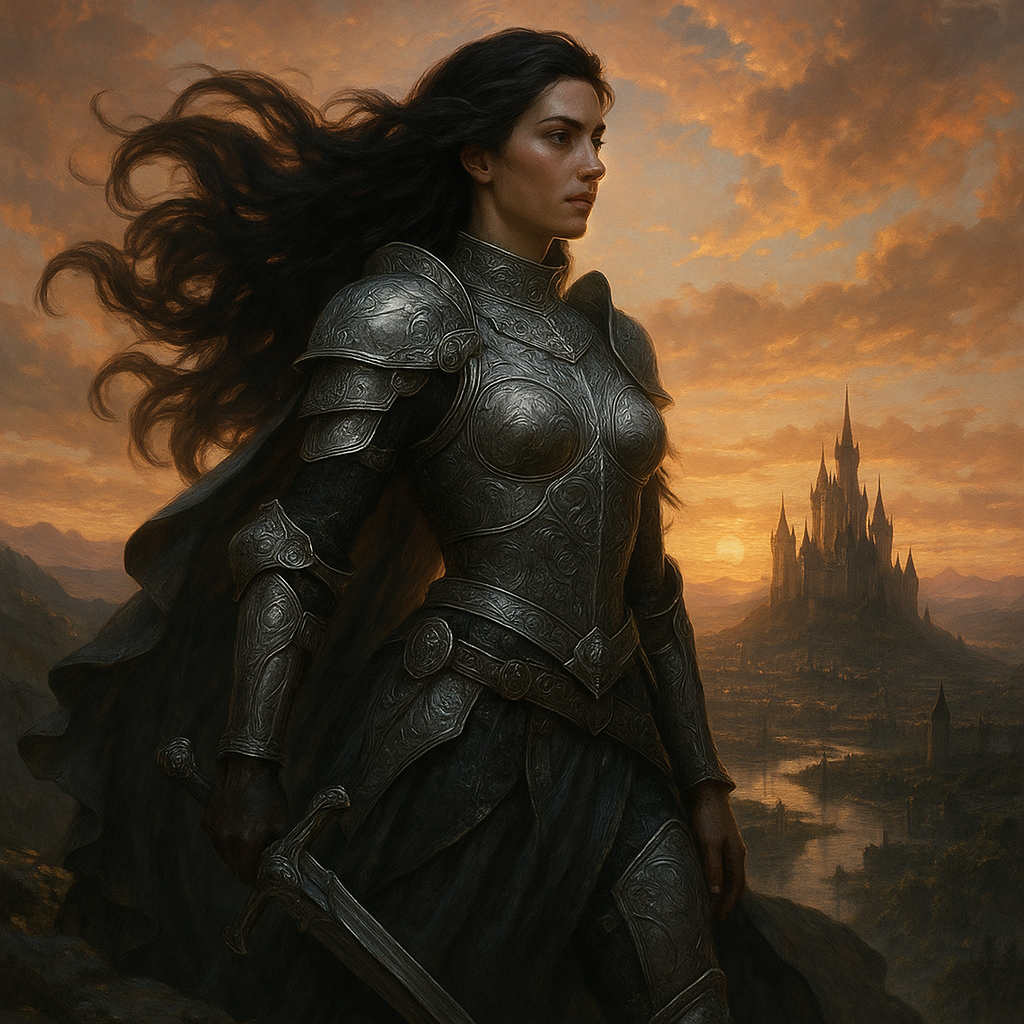
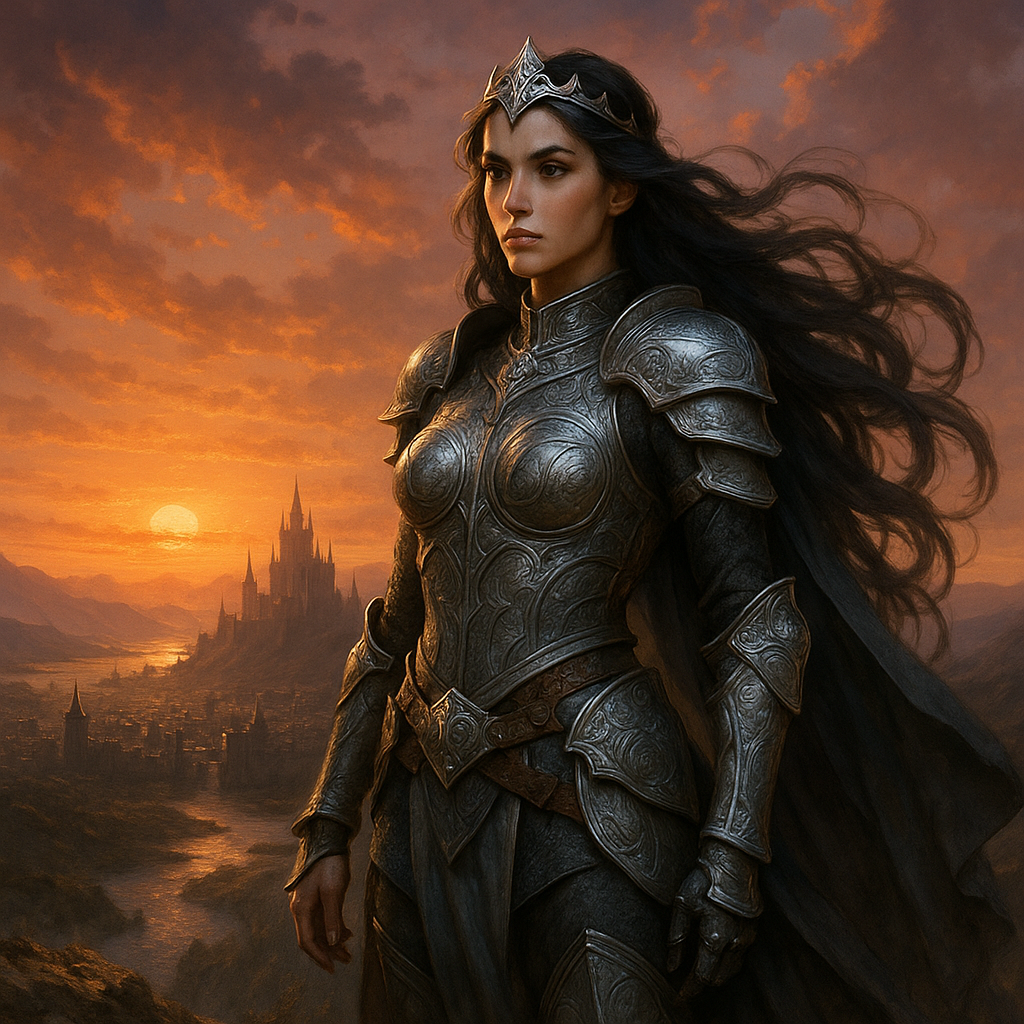
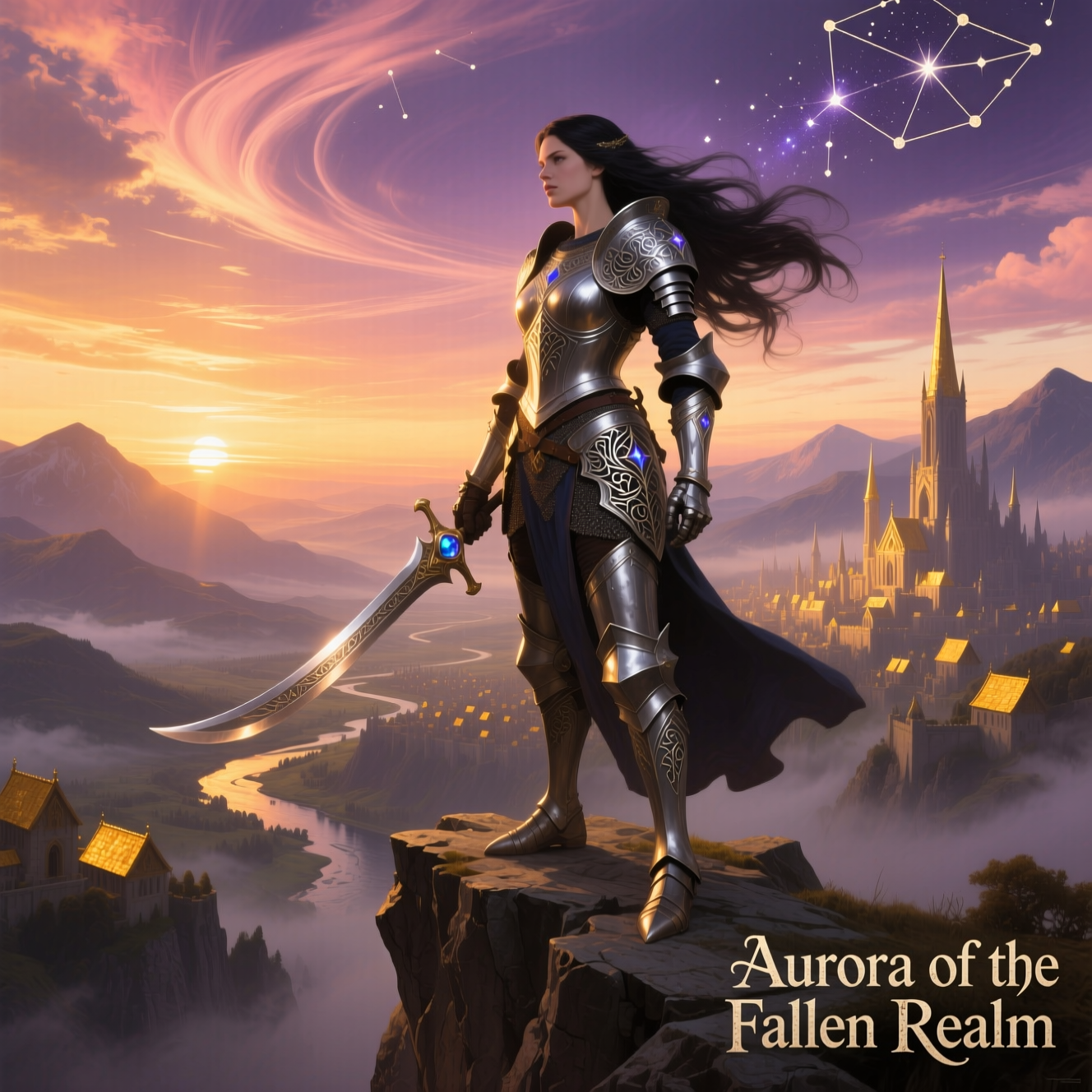

A warrior princess with intricate silver armor and flowing dark hair, standing on a cliff overlooking a vast kingdom at sunset, epic fantasy style, highly detailed.
ขับเคลื่อนด้วยโมเดล AI ชั้นนำของอุตสาหกรรม
เข้าถึงโมเดล AI ล้ำสมัยหลายตัวในที่เดียว ลองใช้ได้อย่างราบรื่นและสร้างภาพที่สวยงามโดยไม่ต้องสลับแพลตฟอร์ม
ฟีเจอร์หลัก
Photorealistic Quality
Generate images indistinguishable from photographs. Our AI models produce stunning detail, accurate lighting, and natural compositions.
Any Art Style
From photorealism to anime, oil painting to 3D render—create images in any visual style you can describe.
Instant Generation
Get high-quality images in seconds, not hours. Generate multiple variations quickly to find your perfect visual.
Flexible Outputs
Generate in any aspect ratio: square for Instagram, landscape for websites, portrait for Pinterest—optimized for every use case.
Text Rendering
Advanced models like Qwen and Ideogram excel at rendering text within images—perfect for logos, posters, and social media graphics.
Iterative Refinement
Not quite right? Regenerate with adjusted prompts or use image-to-image to refine your results.
ใครที่จะได้ประโยชน์จากเครื่องมือนี้?
Create On-Brand Visuals Instantly
Generate product mockups, ad creatives, social media graphics, and marketing materials without expensive photo shoots or designers.
วิธีการทำงาน
Write a detailed prompt describing your image—include subject, style, lighting, composition, and mood.
Select your AI model, aspect ratio, and number of images to generate.
Review your generated images and download your favorites. Iterate with refined prompts for better results.
สำรวจเครื่องมือ AI เพิ่มเติม
พร้อมที่จะสร้างเนื้อหาที่น่าทึ่งแล้วหรือยัง?
ร่วมกับครีเอเตอร์หลายพันคนที่ใช้เครื่องมือ AI ของเราเพื่อทำให้ไอเดียเป็นจริง
คำถามที่พบบ่อย
A text to image generator uses artificial intelligence to create images from written descriptions. You type what you want to see—subjects, styles, colors, lighting—and the AI generates a matching image. It's like having an artist who can visualize anything you describe.
Each model has strengths: GPT Image offers excellent prompt understanding, Nano Banana provides outstanding consistency, Qwen excels at text rendering, FLUX delivers artistic quality, and Z Image is ultra-fast. Experiment to find your favorite for different use cases.
Be specific and descriptive. Include: the main subject, art style (photorealistic, anime, oil painting), lighting (soft, dramatic, golden hour), composition (close-up, wide shot), and mood (peaceful, energetic). Example: A serene mountain lake at sunset, photorealistic, golden hour lighting, wide landscape shot, peaceful atmosphere.
We support multiple aspect ratios: 1:1 (square, great for Instagram), 16:9 (landscape, ideal for headers), 9:16 (portrait, perfect for Pinterest), 4:3, 3:4, and more. Choose based on where you'll use the image.
Yes! Models like Qwen Image and Ideogram are specifically designed to render readable text. They're great for generating logos, posters, signs, and graphics that include words.
You can generate multiple images per prompt (1-4 depending on the model). This helps you explore variations and find the perfect result quickly.
Yes, images you generate can be used commercially for marketing, products, and content. However, avoid generating images that infringe on existing copyrights, trademarks, or likeness rights.
Refine your prompt with more specific details, try a different model, or use our image-to-image tool to modify the result. Small prompt changes can lead to very different outputs.