
คลิกหรือวางรูปภาพเพื่ออัปโหลด
JPG/PNG/WEBP up to 10MB
AI Image Editor - แก้ไขรูปถ่ายด้วย AI
แก้ไขรูปภาพด้วยเครื่องมือ AI ลบวัตถุ เปลี่ยนพื้นหลัง เพิ่มองค์ประกอบ รีทัชรูปถ่าย และแปลงภาพด้วยข้อความพรอมต์ง่ายๆ

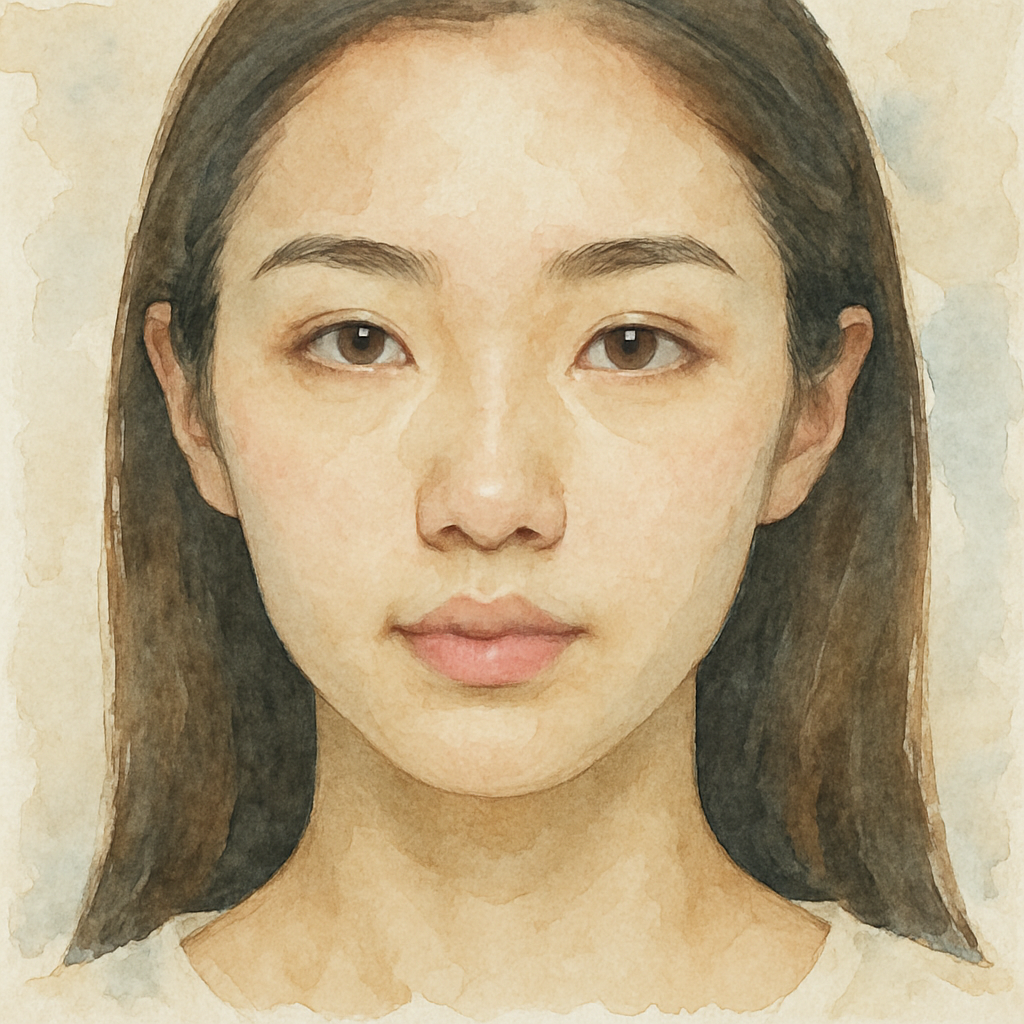
Transform this photo to look like a watercolor painting
ขับเคลื่อนด้วยโมเดล AI ชั้นนำของอุตสาหกรรม
เข้าถึงโมเดล AI ล้ำสมัยหลายตัวในที่เดียว ลองใช้ได้อย่างราบรื่นและสร้างภาพที่สวยงามโดยไม่ต้องสลับแพลตฟอร์ม
ฟีเจอร์หลัก
Object Removal
Remove unwanted objects, people, or elements from photos seamlessly. The AI fills in backgrounds naturally.
Background Changes
Replace or modify backgrounds with simple prompts. Put your subject in any setting imaginable.
Smart Inpainting
Fill in missing areas, extend images, or replace specific regions while maintaining visual consistency.
Portrait Retouching
Enhance portraits, adjust lighting, smooth skin, or make facial adjustments naturally and professionally.
Style Adjustments
Change color grading, lighting mood, or artistic style while keeping your composition intact.
Prompt-Based Editing
Describe changes in plain English. No need to learn complex tools—just say what you want.
ใครที่จะได้ประโยชน์จากเครื่องมือนี้?
Quick Photo Cleanup
Remove photobombers, distracting elements, and unwanted objects. Clean up shots without hours of manual editing.
วิธีการทำงาน
Upload your image—any photo or graphic you want to edit.
Describe your edits in the prompt: objects to remove, elements to add, backgrounds to change, or adjustments to make.
Generate and download your edited image. Iterate with different prompts for varied results.
สำรวจเครื่องมือ AI เพิ่มเติม
พร้อมที่จะสร้างเนื้อหาที่น่าทึ่งแล้วหรือยัง?
ร่วมกับครีเอเตอร์หลายพันคนที่ใช้เครื่องมือ AI ของเราเพื่อทำให้ไอเดียเป็นจริง
คำถามที่พบบ่อย
AI image editing can remove objects, change backgrounds, add new elements, adjust colors and lighting, retouch portraits, extend images, and apply style changes—all through simple text descriptions instead of complex tools.
Unlike traditional editors that require manual selection and editing skills, AI editing understands your intent from text prompts. Describe what you want changed, and the AI handles the technical work automatically.
Yes! Describe the object you want removed ("remove the car in the background" or "delete the person on the left") and the AI will seamlessly fill in the area.
Describe the new background you want ("put the subject on a beach at sunset" or "change background to a modern office") and the AI will replace it while keeping your subject intact.
Be specific about what you want to change and what you want to keep. Name specific objects, describe the desired result, and mention any elements that should remain unchanged.
Yes, you can retouch portraits, adjust expressions slightly, improve lighting, and make facial enhancements. The AI maintains natural appearance while applying your requested changes.
Refine your prompt with more specific instructions, try a different model, or regenerate for variations. Small changes in how you describe the edit can produce very different results.
Yes, edited images can be used commercially. Ensure you have rights to edit the original images you upload.