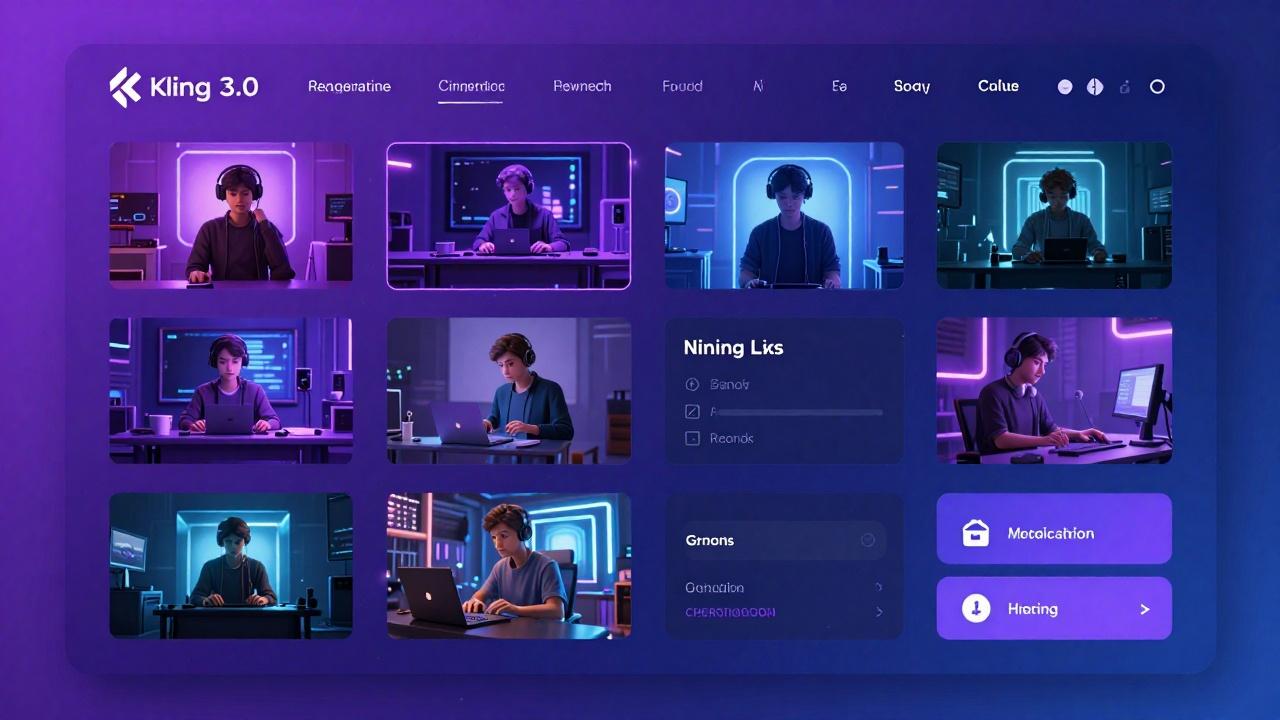
What is Kling 3.0?
Kuaishou has officially launched Kling 3.0, and it's now available on Mobbi. This isn't just an incremental update—Kling 3.0 represents a fundamental shift in how AI video generation works. The new model introduces scene-based multi-shot generation, allowing you to create coherent video sequences with multiple scenes, camera angles, and subjects in a single generation workflow.
Kling 3.0 builds on the success of Kling 2.0 Master with dramatically improved temporal consistency, physics simulation, and prompt understanding. Whether you're creating short-form social content or longer narrative pieces, Kling 3.0 delivers the quality and control that professional creators demand.
Scene-Based Multi-Shot Generation
The standout feature of Kling 3.0 is scene-based multi-shot generation. Instead of generating isolated clips that need manual stitching, you can now describe multiple scenes in sequence and Kling 3.0 will generate them with consistent characters, environments, and visual style. This transforms AI video from a clip-by-clip process into a true storytelling tool.
Each scene can have its own camera angle, action, and composition while maintaining subject identity across shots. Describe a character walking through a door in scene one, sitting at a desk in scene two, and typing on a computer in scene three—Kling 3.0 keeps the character consistent throughout.
Start and End Frame Control
Kling 3.0 introduces precise start and end frame control, giving you unprecedented creative direction over your generations. Upload a reference image as your starting frame, describe the motion you want, and optionally specify how the video should end. This is perfect for creating seamless loops, specific transitions, or videos that connect to existing footage.
The start/end frame feature works beautifully with image-to-video workflows. Bring any still image to life while maintaining complete control over the animation trajectory. Product photographers can animate their shots with specific motion paths, and artists can see their illustrations move exactly as envisioned.
Enhanced Physics and Motion
Kling 3.0's physics engine has been completely rebuilt. Cloth drapes naturally, water flows realistically, hair and fur respond to wind and movement, and particle effects like smoke and fire behave with physical accuracy. The model understands gravity, momentum, and collision in ways that previous versions couldn't match.
Human motion has also improved dramatically. Walking, running, dancing, and complex athletic movements render with proper weight transfer and biomechanical accuracy. Facial expressions sync naturally with speech and emotion. These improvements make Kling 3.0 particularly strong for character-driven content.
Native Audio Synchronization
Kling 3.0 now supports native audio generation, producing videos with synchronized ambient sounds, effects, and background music. Fire crackles, footsteps echo, doors slam, and wind whistles—all automatically generated to match the visual content. This eliminates the need for separate audio production in many workflows.
The audio engine understands spatial relationships too. Sounds from distant objects are quieter with appropriate reverb, while close-up subjects have immediate, present audio. This attention to audio-visual coherence creates more immersive final products without additional post-production.
How to Use Kling 3.0 on Mobbi
Getting started with Kling 3.0 on Mobbi takes just a few steps. Navigate to Text to Video or Image to Video and select Kling 3.0 from the model dropdown. Write your prompt with clear descriptions of subjects, actions, camera movements, and mood. For multi-shot generation, separate your scenes with clear transitions in your prompt.
For best results, be specific about what you want. Instead of "a person walking," try "a young woman in a red coat walking through a snowy Tokyo street at night, camera following from behind, warm streetlights casting long shadows." Kling 3.0's improved prompt understanding means detailed descriptions translate directly to better outputs.
- Step 1: Select Kling 3.0 from the model dropdown
- Step 2: Write a detailed prompt describing your scene
- Step 3: Choose duration (up to 10 seconds per shot)
- Step 4: Select resolution (720p or 1080p)
- Step 5: Generate and iterate based on results
Use Cases for Kling 3.0
Kling 3.0 excels in scenarios that require narrative coherence, character consistency, and high production value. Social media creators can produce polished content with consistent branding and visual style. Marketing teams can create product videos that showcase items from multiple angles with professional motion.
The multi-shot capability makes Kling 3.0 ideal for short films, music video concepts, and commercial storyboards. Film pre-visualization becomes faster when you can generate entire sequences rather than isolated shots. E-commerce brands can create dynamic product showcases that rival studio productions.
- Short-form content: TikTok, Reels, and Shorts with professional polish
- Product videos: Multi-angle showcases with consistent lighting and physics
- Music videos: Scene-to-scene narrative with character consistency
- Commercial pre-vis: Test concepts before expensive live production
- Educational content: Engaging explainers with coherent visual storytelling
- Social media ads: Scroll-stopping content with cinematic quality
Kling 3.0 vs Other Models on Mobbi
Mobbi gives you access to Kling 3.0 alongside Sora 2, Veo 3, Hailuo, Grok Imagine, and other leading AI video models. Each has unique strengths: Sora 2 Pro offers the longest generations and strongest cinematic storytelling, Veo 3 provides excellent audio integration, and Hailuo delivers fast iterations at lower cost.
Kling 3.0's advantage lies in its multi-shot coherence and value. You get near-Sora quality at a fraction of the cost, with scene-based generation that simplifies complex workflows. For creators who need to produce volume without sacrificing quality, Kling 3.0 hits the sweet spot.
Pricing and Credits
Kling 3.0 is available to all Mobbi users with competitive credit pricing. Standard generations cost approximately 10-15 credits depending on duration and resolution. Premium features like extended duration and 1080p output use additional credits. Mobbi subscribers receive daily credit refreshes, making regular Kling 3.0 usage sustainable.
Compared to using Kling directly through klingai.com, Mobbi offers the advantage of unified access to multiple models, consistent credit pricing across engines, and workflow tools that help you compare and iterate faster. One subscription gives you access to the full spectrum of AI video technology.
Final Thoughts
Kling 3.0 marks a significant evolution in AI video generation. Scene-based multi-shot generation, start/end frame control, enhanced physics, and native audio combine to create a tool that handles complex creative projects without the clip-by-clip workflow of previous generations. It's not just about better individual frames—it's about coherent storytelling.
Try Kling 3.0 on Mobbi today. Explore the multi-shot capabilities, test the physics improvements, and see how native audio changes your workflow. The next era of AI video is here.
Work With Mobbi.ai
Start creating with Kling 3.0 on Mobbi today. Get 50 free daily credits and experience scene-based AI video generation.
Explore Mobbi.ai Platform