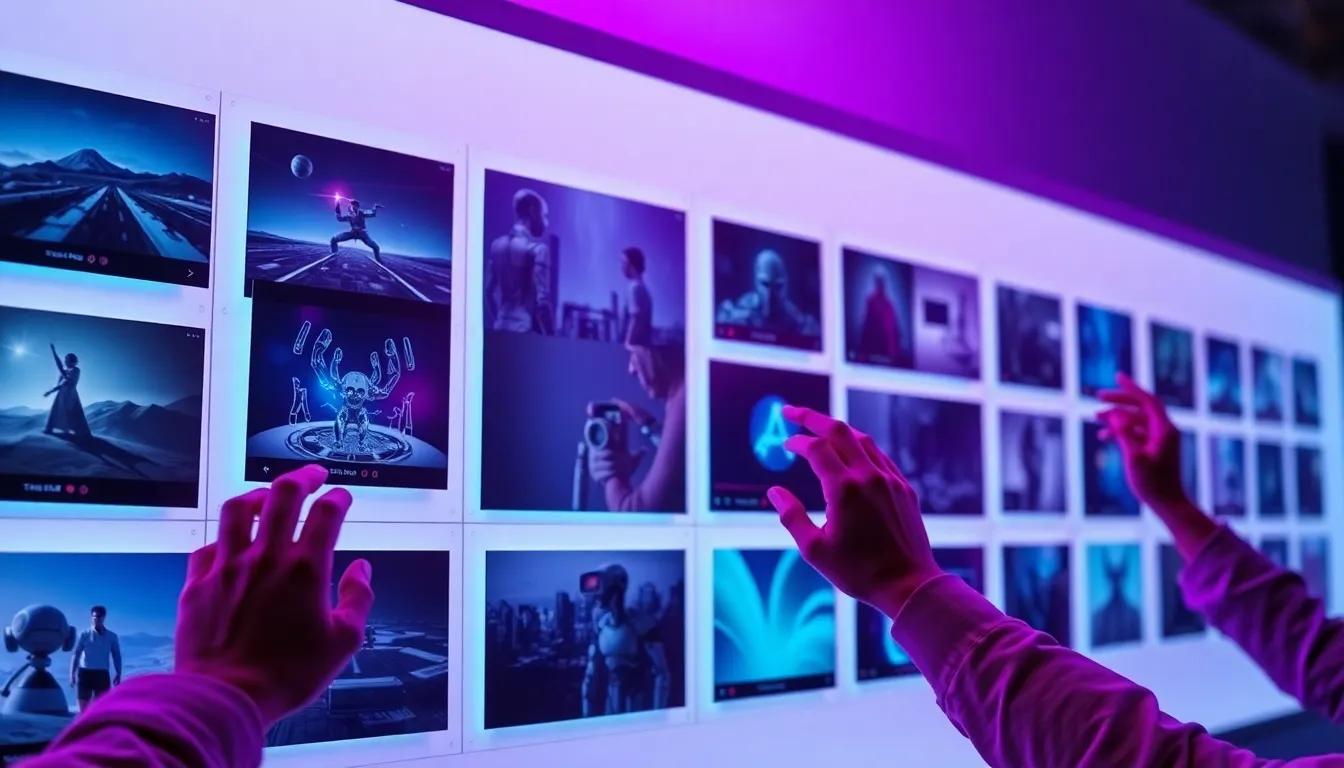
How Storyboards Accelerate AI Video Production
Storyboards translate campaign goals into visual language that AI engines understand. They clarify scene order, emotional beats, and technical instructions before credits are spent. When paired with prompt libraries, storyboards reduce guesswork and keep renders aligned with brand guidelines. They also make stakeholder reviews faster because everyone reacts to the same plan rather than ad hoc drafts.
Treat the storyboard as a living artifact. Attach metadata—funnel stage, persona, target KPI, aspect ratio—so your analytics platform can connect results back to the plan. This empowers teams to see which story arcs perform best and informs future iterations.
Top-of-Funnel Curiosity Template
Use this template when introducing a product to new audiences. It opens with a visually arresting scene, quickly reveals the value proposition, introduces an unexpected twist, and ends with a teaser CTA. Keep shot durations between two and three seconds. Maintain high contrast and playful motion to stop the scroll on TikTok, Shorts, and Reels.
Prompt scaffold: “Shot 1 — aerial reveal of [setting], golden sunlight. Shot 2 — macro product hero with reflections, crisp highlights. Shot 3 — playful twist or surprise motion, kinetic typography. Shot 4 — teaser CTA card with brand palette, subtle parallax.” Iterate quickly using Minimax, then regenerate the winning concept in Sora 2 for premium placements.
- Scenes: 4–5
- Length: 12–15 seconds
- Internal link: pair with prompts from /blog/how-to-write-ai-video-prompts
Mid-Funnel Product Proof Template
Once audiences know the brand, shift to proof. The template alternates between problem and solution, mixing close-ups with testimonials. Begin with the pain point, move into the interface or product performing the fix, capture a human reaction, and end with a quantified outcome. Use consistent lighting and typography to reinforce trust.
Prompt scaffold: “Shot 1 — frustrated persona in realistic setting, muted colors. Shot 2 — product interface solving problem, macro focus. Shot 3 — testimonial snippet with name/lower-third. Shot 4 — analytics dashboard highlighting metric lift. Shot 5 — CTA encouraging demo signup.” Document compliance requirements so subtitles and disclosures stay consistent across markets.
- Scenes: 5
- Length: 25–35 seconds
- Models: Sora 2 for macro realism, Runway Gen-3 for UI composites
Bottom-of-Funnel Offer Template
Conversion videos emphasize credibility and urgency. Start with social proof, reinforce the offer details, show the product in action, then close with a direct CTA. Use steady camera moves and clean layouts to signal trust. Adapt the closing frame per channel—end card for YouTube, interactive button for Shopify, QR code for in-store screens.
Prompt scaffold: “Shot 1 — montage of customer quotes or review stars. Shot 2 — spokesperson summarizing key benefit. Shot 3 — product-in-use macro for proof. Shot 4 — offer card with pricing, deadline, guarantee. Shot 5 — CTA with direct eye contact, warm lighting.” This template works well with Sora 2 Pro when human talent ties the story together.
Retention and Community Template
Retention videos keep customers engaged post-purchase. Structure the storyboard like a mini-documentary: open with community energy, spotlight member stories, unveil upcoming content or rewards, and end with a participation CTA. Incorporate user-generated footage to reinforce authenticity. Maintain consistent color grading so watchers instantly recognize the brand.
Prompt scaffold: “Shot 1 — wide shot of community event or online meetup. Shot 2 — interview clip with member testimonial. Shot 3 — behind-the-scenes montage of product updates or perks. Shot 4 — roadmap or calendar overlay showing upcoming events. Shot 5 — invitation to join with relaxed CTA.” Pair with guidance from /blog/ai-video-consistency-tips to carry guardrails through every scene.
Shot Library and Analytics Integration
Templates become more valuable when linked to shot libraries. Save hero frames, camera settings, and lighting notes so creatives can recycle winning compositions. Tag each shot with funnel stage, persona, and usage rights. When a campaign performs well, note which template and shots were responsible so future briefs start from proven ingredients.
Integrate analytics by referencing storyboard IDs in your dashboards. Track watch time, conversion rate, and GEO ranking per template. If the TOFU storyboard underperforms in a region, check local prompts for cultural context. Internal link: use /blog/ai-video-campaign-brief-examples to ensure briefs include tracking requirements from the start.
Final Thoughts
Storyboards are reusable intellectual property. By standardizing shot order, guardrails, and analytics metadata, teams deliver consistent AI videos without micromanaging every render. Customize these templates per campaign, document lessons learned, and update them quarterly as models evolve.
Combine the storyboard pack with prompt frameworks (/blog/how-to-write-ai-video-prompts) and governance workflows (/blog/ai-video-consistency-tips) to keep production fast, on-brand, and measurable across global teams.
Work With Mobbi.ai
Download the storyboard template pack or request a collaborative session to tailor these structures to your pipeline.
Explore Mobbi.ai Platform